
WordPress Monitoring
Get end-to-end visibility into your WordPress application using WordPress performance monitoring tool. Gain insightful metrics on performance bottlenecks with PHP monitoring to optimize your WordPress application.
How Production Blindspots Stall WordPress Systems?
Unseen Runtime Behavior
WordPress workloads behave differently under real traffic than in staging. Without runtime visibility, execution paths diverge silently, masking failures until users report them.
Opaque Plugin Interactions
Plugins execute deep within the request lifecycle. When behavior overlaps, it becomes unclear which extension mutates state, blocks execution, or corrupts responses.
Delayed Failure Detection
Errors often surface long after the triggering condition. By the time teams investigate, logs have rotated and context has already been lost.
Nonlinear Traffic Surges
Traffic does not grow predictably. Sudden concurrency spikes expose locking issues, connection exhaustion, and thread starvation without clear indicators.
Environment Drift Confusion
Configuration differences across nodes lead to inconsistent behavior. Identifying which environment variable or runtime flag caused divergence becomes guesswork.
Fragmented Telemetry Sources
Metrics, logs, and traces live in different systems. Engineers spend more time correlating data than diagnosing the actual failure path.
Slow Root Analysis
Reproducing production-only issues is rarely possible. Without execution context, teams reverse engineer failures instead of isolating causes.
Scaling Without Guardrails
As WordPress instances expand horizontally, shared state, cache boundaries, and resource contention become harder to reason about. Teams scale infrastructure while losing certainty about system behavior under load.
Complete Performance Visibility for
WordPress Sites
Real-time observability for WordPress that helps teams optimize page speed, resolve issues faster, and maintain reliable site performance at scale.
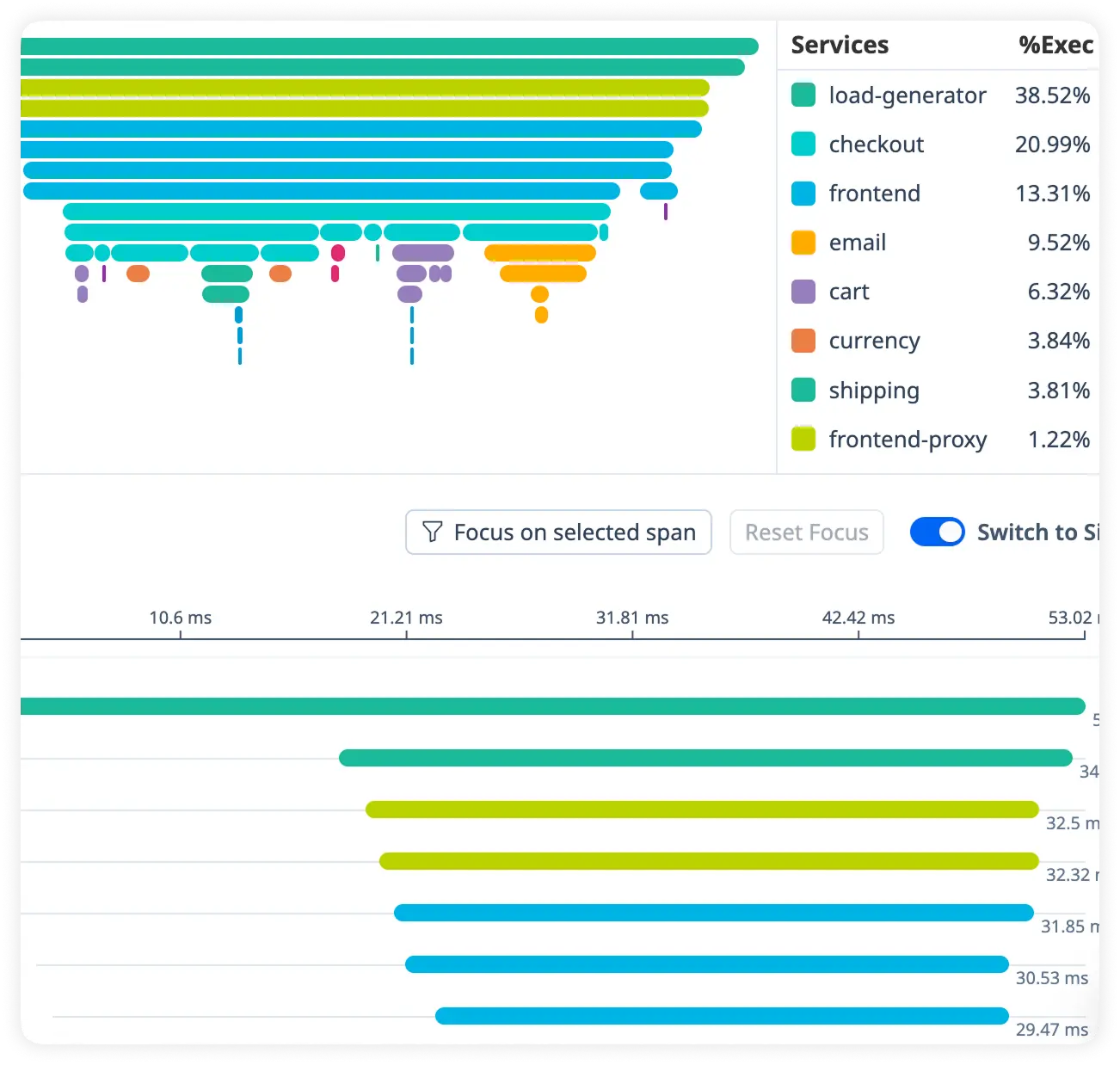
Detailed Page Timing Breakdown
See how long each part of a page request takes, from server processing to database execution. Quickly identify slow-loading pages and performance bottlenecks.
Identify Slow Database Queries
Track inefficient queries that slow down content delivery and backend operations. Eliminate database performance issues before they impact visitors.
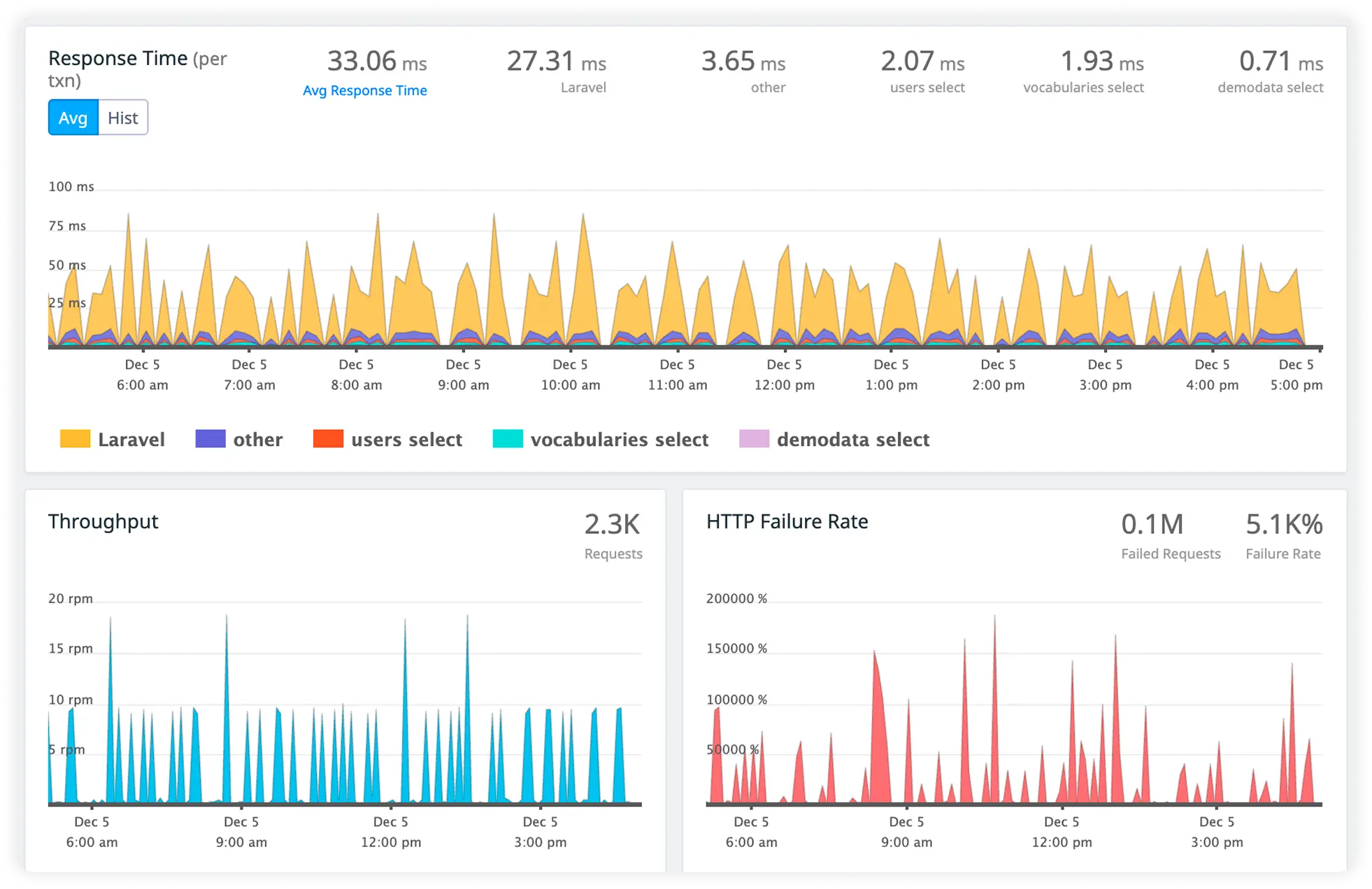
Understand Plugin Performance Impact
Measure how individual plugins affect page load times, resource usage, and errors. Pinpoint heavy or faulty plugins causing slowdowns.
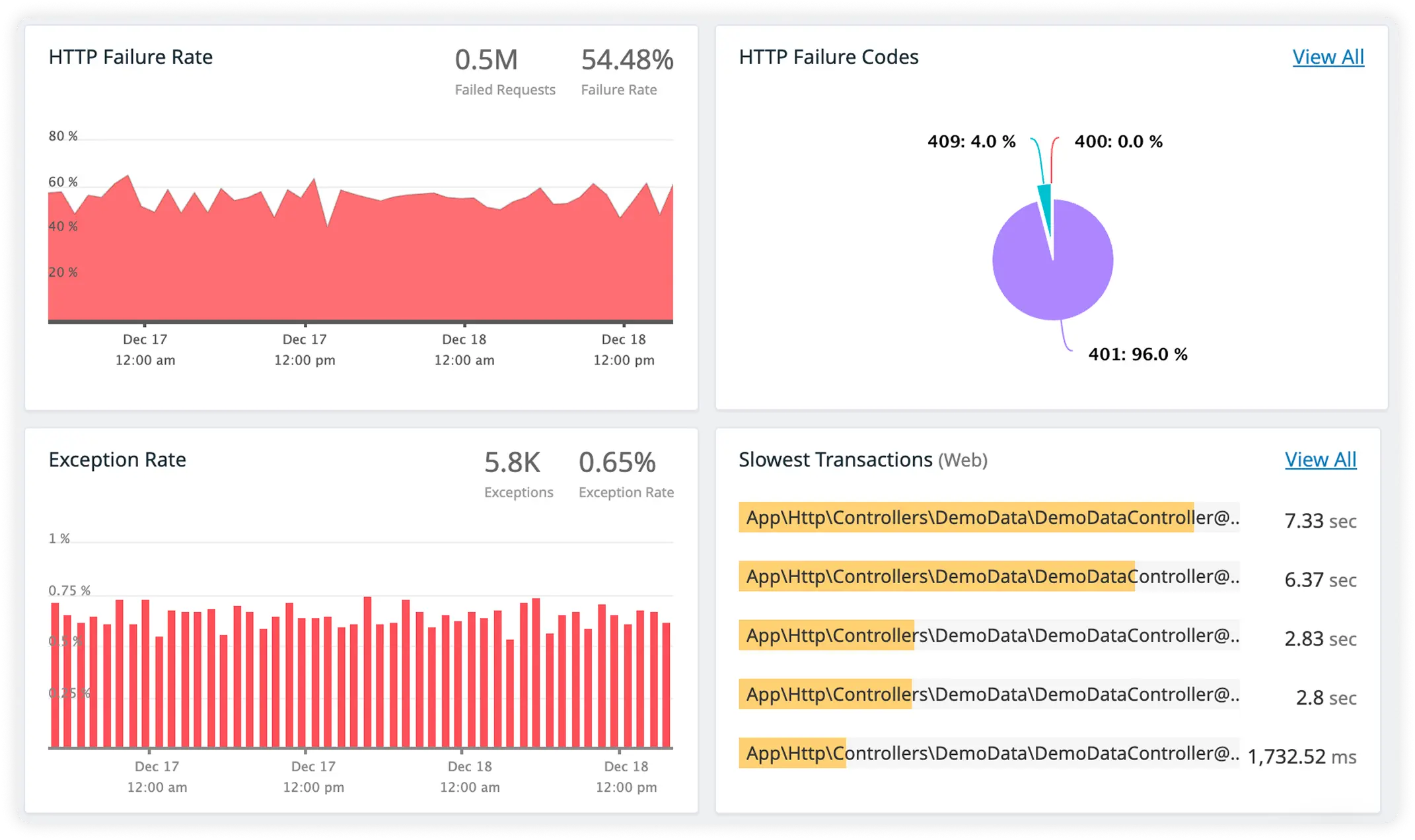
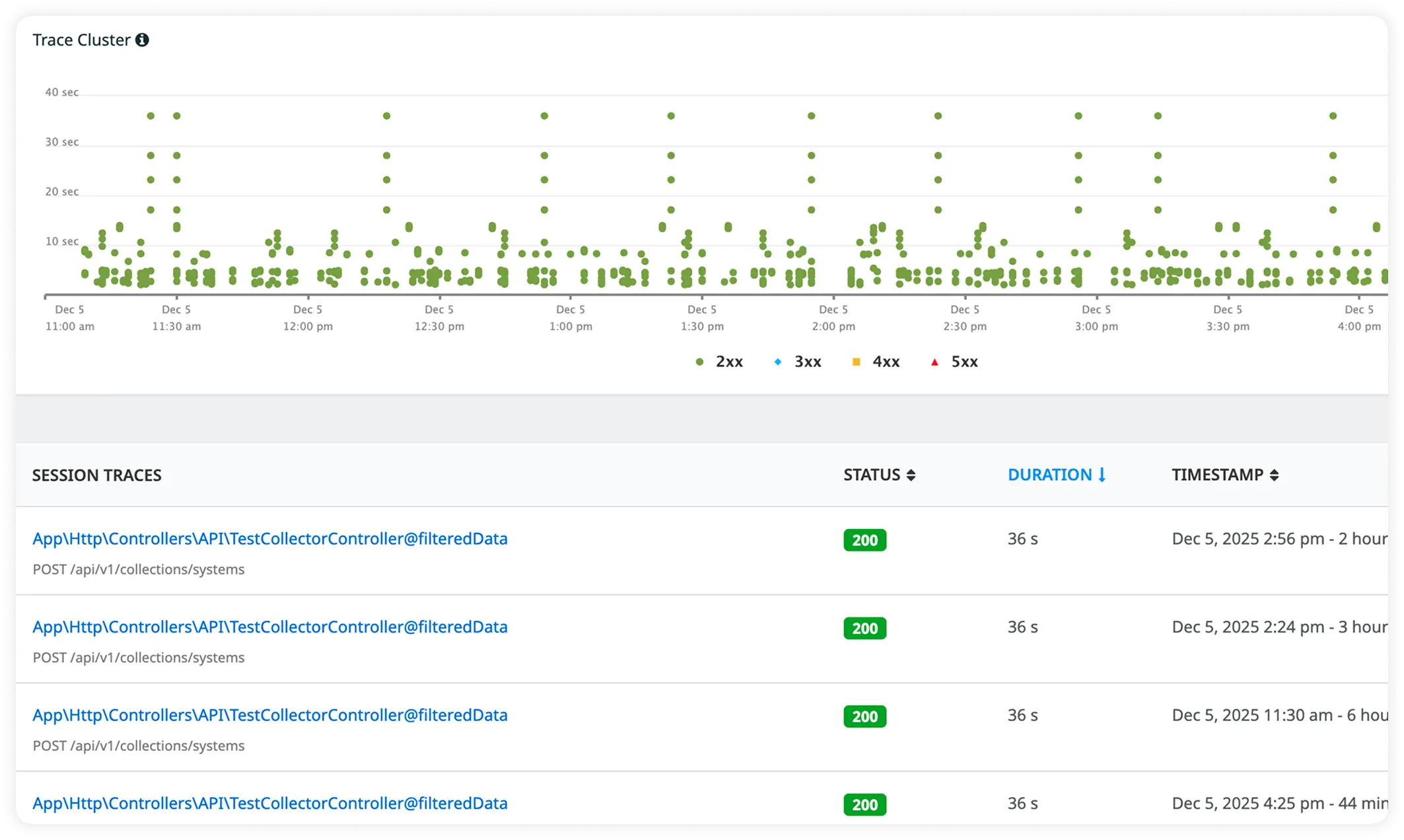
Rich Error Context with Trace-Linked Logs
Capture detailed WordPress errors alongside correlated logs for every request. Debug faster with complete visibility across performance data and runtime issues.
Why Engineering Teams Commit To Atatus?
Engineering teams choose Atatus when they need production clarity that scales with WordPress complexity and does not slow teams down.
Immediate Signal Clarity
Teams see meaningful system behavior without manual interpretation. Data arrives structured, contextual, and aligned to how WordPress actually executes.
Fast Team Adoption
Setup aligns with existing workflows. Engineers do not need long onboarding cycles or internal training to start trusting the data.
Production First Thinking
The platform reflects live system realities instead of synthetic assumptions. What teams see matches what users experience.
Reduced Cognitive Load
Engineers spend less time stitching evidence together. Investigation flows naturally from symptom to cause.
Trustworthy Diagnostics
Collected data is consistent across deployments. Teams rely on it during incidents without second guessing accuracy.
Scale Ready Observability
As traffic and infrastructure grow, visibility remains stable. No new blindspots appear with added nodes or regions.
Incident Response Confidence
During outages, teams move decisively. They act on clear signals rather than debating conflicting indicators.
Platform Engineer Friendly
Fits naturally into platform ownership models. Central teams can standardize observability without blocking product velocity.
Backend Verified Insights
Data aligns with backend execution models. Engineers recognize familiar patterns instead of abstracted guesses.
Unified Observability for Every Engineering Team
Atatus adapts to how engineering teams work across development, operations, and reliability.
Developers
Trace requests, debug errors, and identify performance issues at the code level with clear context.
DevOps
Track deployments, monitor infrastructure impact, and understand how releases affect application stability.
Release Engineer
Measure service health, latency, and error rates to maintain reliability and reduce production risk.