Docker Logs Monitoring & Observability
Explore the nuances of Docker Logging, offering a comprehensive approach to efficiently troubleshoot Docker, trace issues, and optimize cluster performance.
Monitor Docker container logs across hosts and production environments
Collect Docker container logs
Capture logs written to stdout and stderr by Docker containers using the default logging drivers across running and stopped containers.
Support multiple logging drivers
Ingest logs produced via Docker logging drivers such as json-file, journald, and syslog without altering container images.
Track container lifecycle events
Analyze log output generated during container start, stop, restart, and failure events to troubleshoot runtime issues.
Monitor Docker daemon activity
Collect Docker daemon logs to investigate image pulls, container scheduling failures, and resource constraints on hosts.
Detect container crashes and exits
Identify abnormal container exits, crash loops, and application failures using runtime log patterns.
Enrich logs with container metadata
Attach container identifiers, image names, labels, and host information to each log entry for precise filtering and analysis.
Handle high-volume container output
Centralize Docker logs from high-throughput containers while maintaining performance during spikes and rolling restarts.
Support standalone and swarm setups
Aggregate Docker logs from standalone hosts and Docker Swarm clusters into a unified logging view.
Container Lifecycle and Runtime Activity
- Track log generation across container start, stop, restart, and runtime execution to understand container behavior in Docker environments.
- Correlate logs with container deployments, image versions, and service dependencies across workloads.
- Identify container crashes, restart loops, and runtime failures affecting service continuity.
- Detect disruptions in container execution and orchestration impacting application availability.
Runtime Errors and Failure Diagnostics
- Capture container runtime errors, application failures, and dependency-related issues generated during execution.
- Correlate error logs with impacted services, deployments, and infrastructure changes to identify root causes.
- Identify recurring failures caused by image inconsistencies, configuration issues, and resource constraints.
- Detect hidden runtime failures affecting container reliability and service stability.
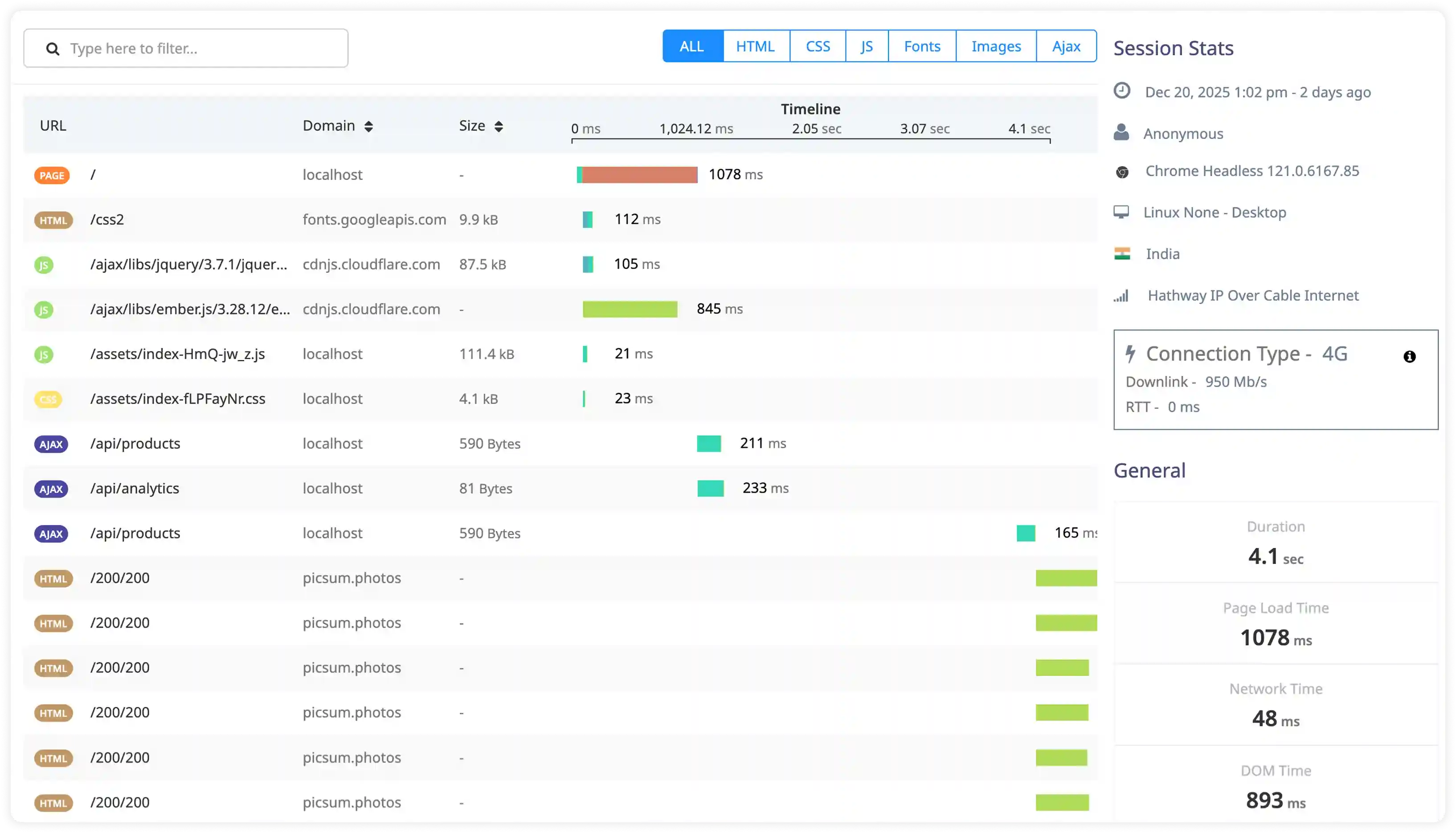
Performance and Resource Behavior
- Analyze execution timing logs, resource utilization messages, and runtime performance signals across containers.
- Correlate container activity with CPU usage, memory consumption, storage I/O, and network latency.
- Identify excessive logging impacting container performance and storage efficiency.
- Detect performance degradation through abnormal execution timing and irregular log volume patterns.
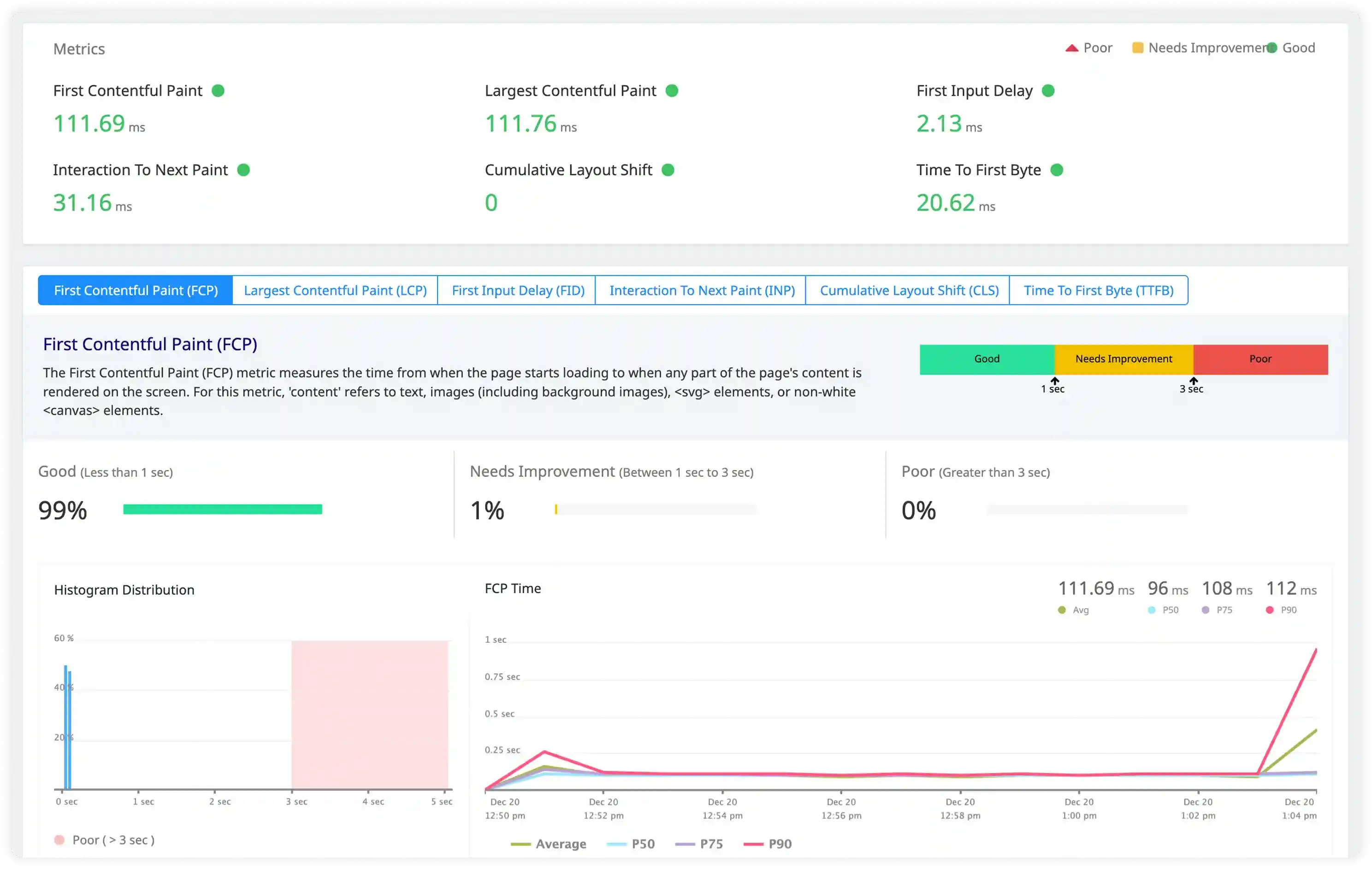
Security and Access Monitoring
- Track unauthorized access attempts, suspicious container activity, and misuse patterns captured in Docker logs.
- Identify abnormal behavior across containerized services affecting stability and reliability.
- Correlate container logs with infrastructure and network activity for incident investigation.
- Detect operational and security incidents affecting Docker workloads using centralized log insights.
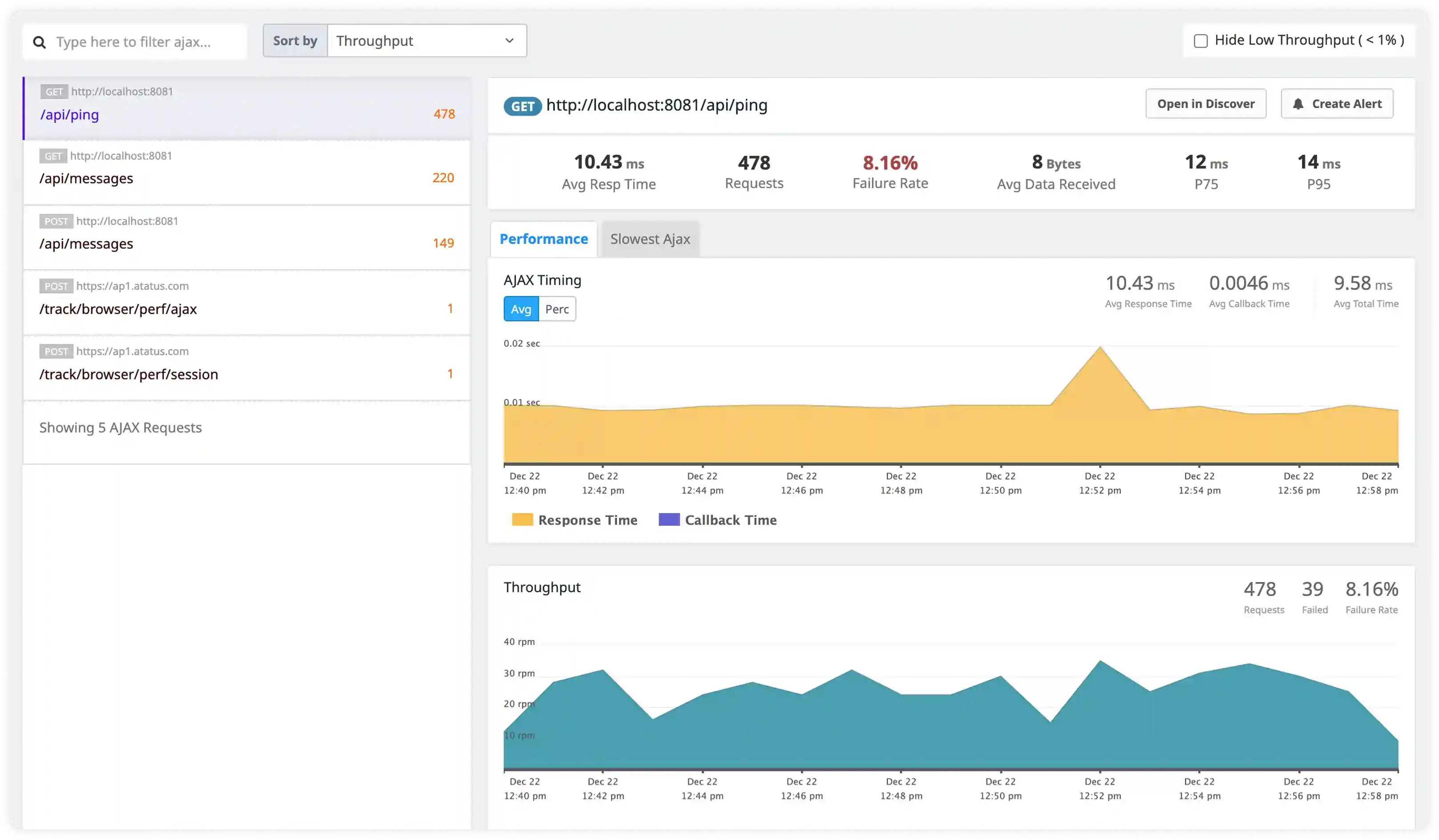
Why choose Atatus for Docker logs monitoring?
Production-grade visibility into Docker containers, daemon activity, and host-level events
Docker-native log ingestion
Designed to collect Docker container logs directly from the host without requiring changes to application containers.
Container and host context
Automatically enriches log data with container metadata, image details, and host identifiers for faster troubleshooting.
Daemon-level visibility
Captures Docker daemon logs to help diagnose container runtime failures and infrastructure issues.
Built for dynamic workloads
Handles frequent container restarts and short-lived workloads common in Docker-based production environments.
Scales with container density
Efficiently processes high log volumes generated by densely packed Docker hosts without performance impact.
Works across diverse deployments
Supports Docker running on virtual machines, bare-metal servers, and cloud infrastructure.
Unified Observability for Every Engineering Team
Atatus adapts to how engineering teams work across development, operations, and reliability.
Developers
Trace requests, debug errors, and identify performance issues at the code level with clear context.
DevOps
Track deployments, monitor infrastructure impact, and understand how releases affect application stability.
Release Engineer
Measure service health, latency, and error rates to maintain reliability and reduce production risk.