
PHP FPM Logs and Metrics Monitoring
Gain complete visibility into your PHP FPM instances with real-time health, performance, and resource utilization tracking. Detect bottlenecks instantly, optimize resource allocation, and maintain a high-performing, stable application even during traffic surges and resource fluctuations.
PHP-FPM Breaks Under Real Load
Opaque worker lifecycle
Worker spawn, reuse, and termination behavior is not visible at runtime, making saturation hard to explain.
Request execution ambiguity
Highly variable PHP request runtimes block workers unpredictably, with no clear attribution.
Slowlog blind correlation
Slowlog entries lack request-level context, forcing manual reconstruction of execution paths.
Process-level noise
PHP-FPM logs operate at process boundaries, burying meaningful execution signals in volume.
Concurrency saturation uncertainty
Max children limits are hit under burst traffic without visibility into which code paths caused contention.
Upstream dependency masking
Database or external service delays surface as PHP latency, obscuring the true source of slowdown.
State loss on reloads
Worker restarts discard in-flight execution state, limiting post-incident analysis.
Production debugging friction
Answering basic performance questions requires SSH access and manual log analysis.
Worker Lifecycle and Request Handling
- Track PHP-FPM worker start, stop, and request handling logs to understand how processes manage incoming application traffic.
- Correlate worker activity with request execution patterns and concurrency behavior across pools.
- Identify worker crashes, restarts, and abnormal termination affecting request processing continuity.
- Detect failures in process management and request allocation impacting application availability.
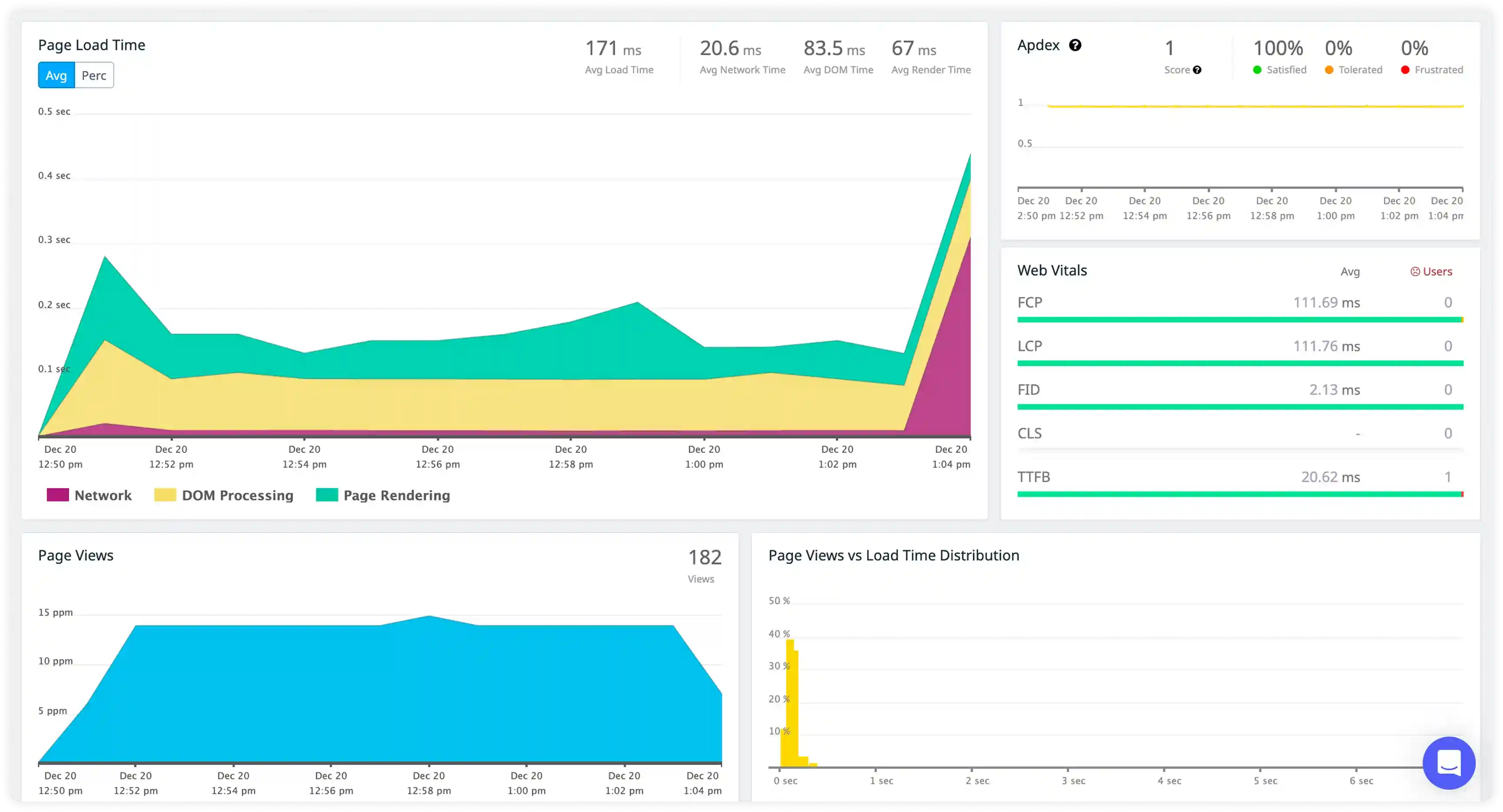
Slow Request and Execution Diagnostics
- Capture slow log entries generated when requests exceed configured execution thresholds.
- Correlate slow requests with backend dependencies, database calls, and external service latency.
- Identify recurring execution delays caused by resource contention, blocking operations, and inefficient code paths.
- Detect bottlenecks in request processing affecting response time and throughput.
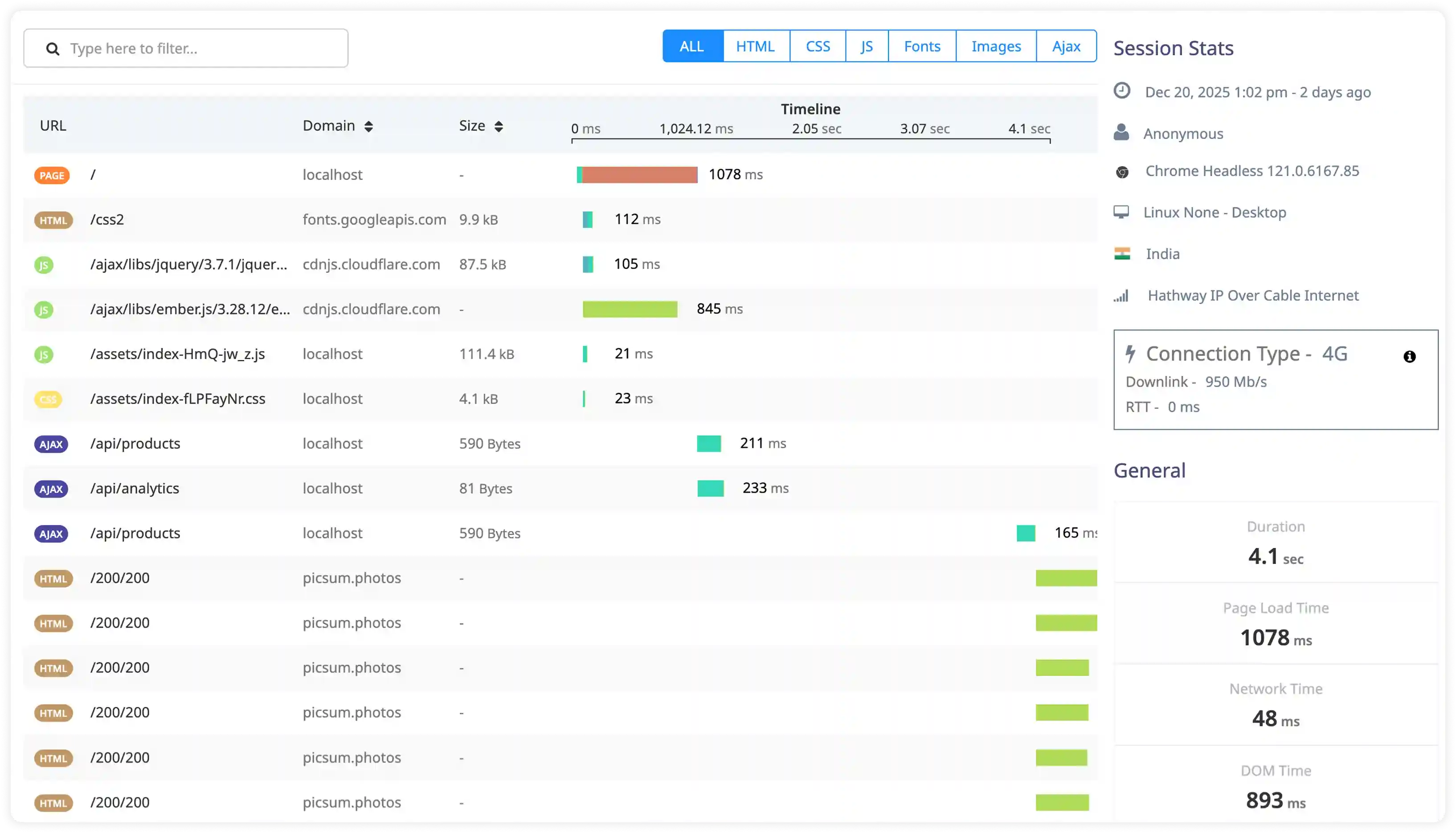
Resource Utilization and Pool Performance
- Analyze worker utilization, process limits, and queue backlog signals affecting PHP-FPM performance.
- Correlate log activity with CPU usage, memory consumption, and request concurrency levels.
- Identify pool saturation, worker exhaustion, and process spawning delays impacting request handling.
- Detect performance degradation through abnormal worker activity and resource contention patterns.
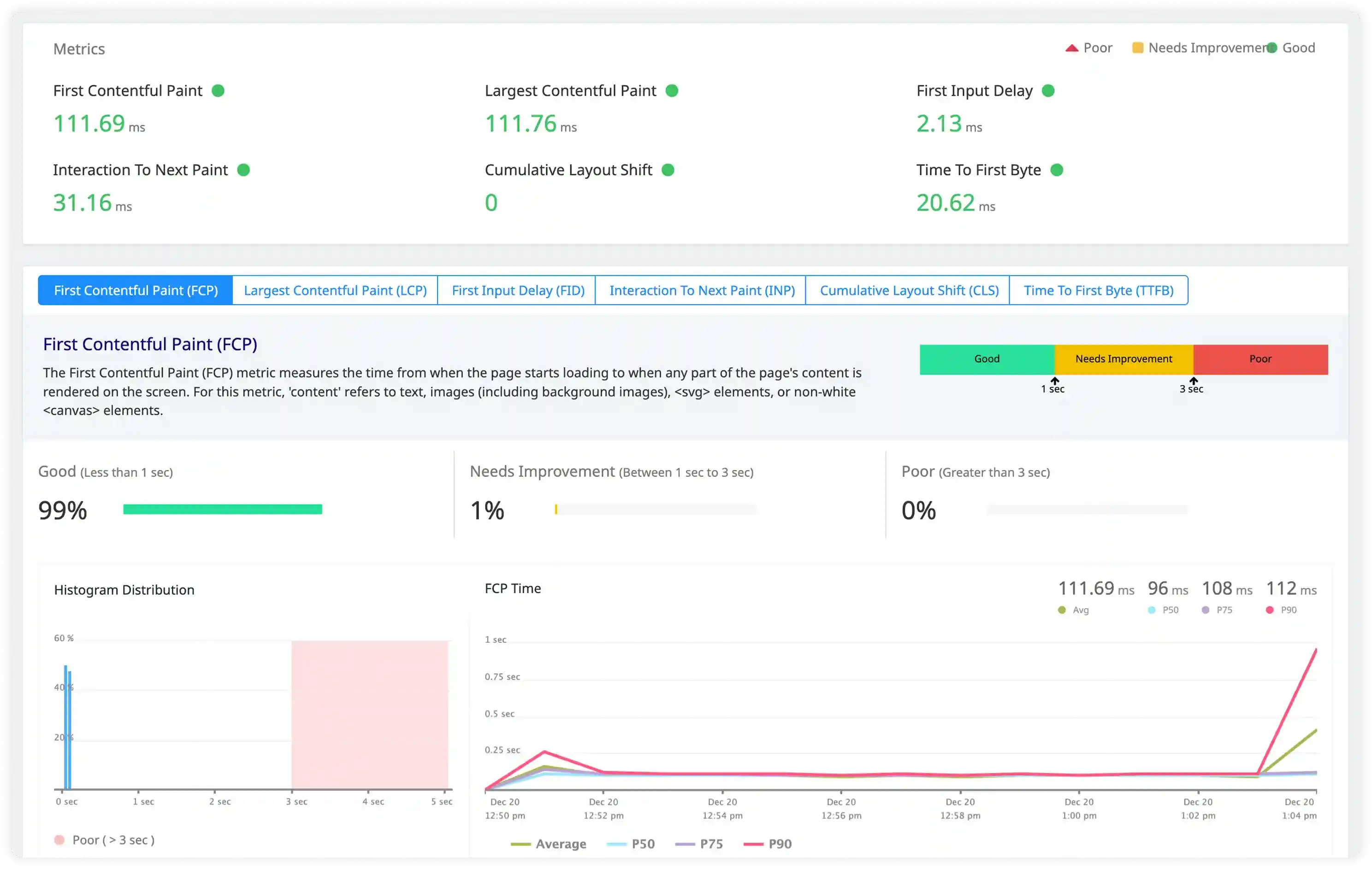
Security and Request Behavior Monitoring
- Track suspicious request patterns, unauthorized access attempts, and abnormal traffic behavior handled by PHP-FPM.
- Identify misconfigured pools, permission issues, and process-level security risks affecting application stability.
- Correlate request handling logs with infrastructure access signals for incident investigation.
- Detect operational anomalies affecting PHP-FPM reliability and service continuity.
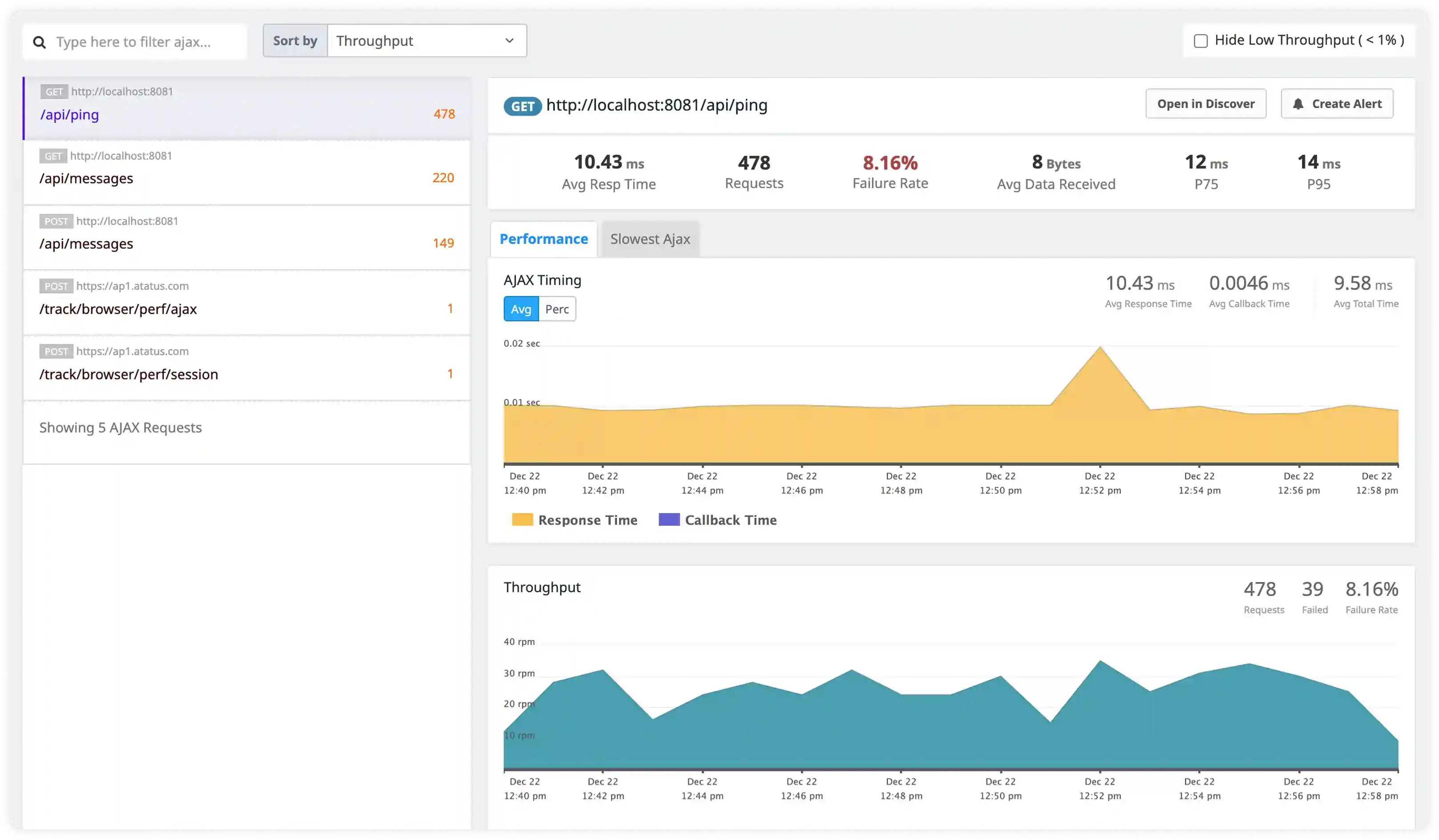
Execution-Centric PHP-FPM Observability
Teams choose Atatus when PHP-FPM behavior must be understood at the execution and process level, not inferred from surface metrics.
Request process mapping
Engineers can reason about how individual PHP requests consume workers and execution time.
Runtime truth first
Production behavior is derived from real execution data instead of averaged assumptions.
Fast system comprehension
Live PHP-FPM state becomes understandable without deep manual investigation.
Low operational disruption
Fits into existing PHP-FPM setups without altering request handling or deployments.
Backend-first clarity
Observability aligns with how backend engineers debug PHP in real systems.
Incident reconstruction speed
Teams rebuild execution timelines quickly instead of stitching logs post-failure.
Concurrency-safe visibility
System behavior remains explainable as traffic, workers, and complexity increase.
Shared execution context
Platform, SRE, and backend teams operate from the same runtime facts.
Operational confidence
Teams tune, deploy, and scale PHP-FPM knowing execution behavior stays visible.
Unified Observability for Every Engineering Team
Atatus adapts to how engineering teams work across development, operations, and reliability.
Developers
Trace requests, debug errors, and identify performance issues at the code level with clear context.
DevOps
Track deployments, monitor infrastructure impact, and understand how releases affect application stability.
Release Engineer
Measure service health, latency, and error rates to maintain reliability and reduce production risk.