SQLite Operational Logs for Query and File Behavior
Track statement execution, concurrency behavior, storage signals, and access events across embedded SQLite databases in real time.
Monitor SQLite logs to diagnose database locking, write conflicts, and runtime errors
Track SQLite error logs
Capture SQLite runtime error messages and extended result codes emitted by the application to identify failed queries, malformed SQL, and database corruption warnings.
Detect database locking issues
Analyze SQLite log output related to database busy states, lock timeouts, and contention caused by concurrent read and write operations.
Monitor write-ahead logging behavior
Inspect SQLite WAL-related log entries to understand checkpoint delays, write stalls, and synchronization issues during high write activity.
Identify transaction failures
Track SQLite log messages for failed commits, rollbacks, and aborted transactions caused by constraint violations or I/O errors.
Detect file system and I O errors
Capture SQLite log events related to disk read failures, permission errors, file locking problems, and unavailable storage paths.
Track schema and migration issues
Monitor logs generated during schema changes, index creation, and migration scripts to detect incompatible changes or execution failures.
Observe performance warnings
Analyze SQLite logs indicating long-running statements, excessive page reads, and inefficient query patterns affecting application latency.
Correlate database and application logs
Link SQLite log events with application logs to trace database-level failures back to specific code paths or execution flows.
Query and File Activity
- Monitor SQLite log output for SELECT, INSERT, UPDATE, DELETE, and file-level operations to understand database usage in embedded and application-local environments.
- Correlate query execution with application processes, threads, and transaction scopes to trace data access behavior.
- Identify failed statements, transaction interruptions, and file locking conflicts impacting application responsiveness.
- Detect irregular database file activity that affects data consistency and runtime stability.
Transaction and Concurrency Behavior
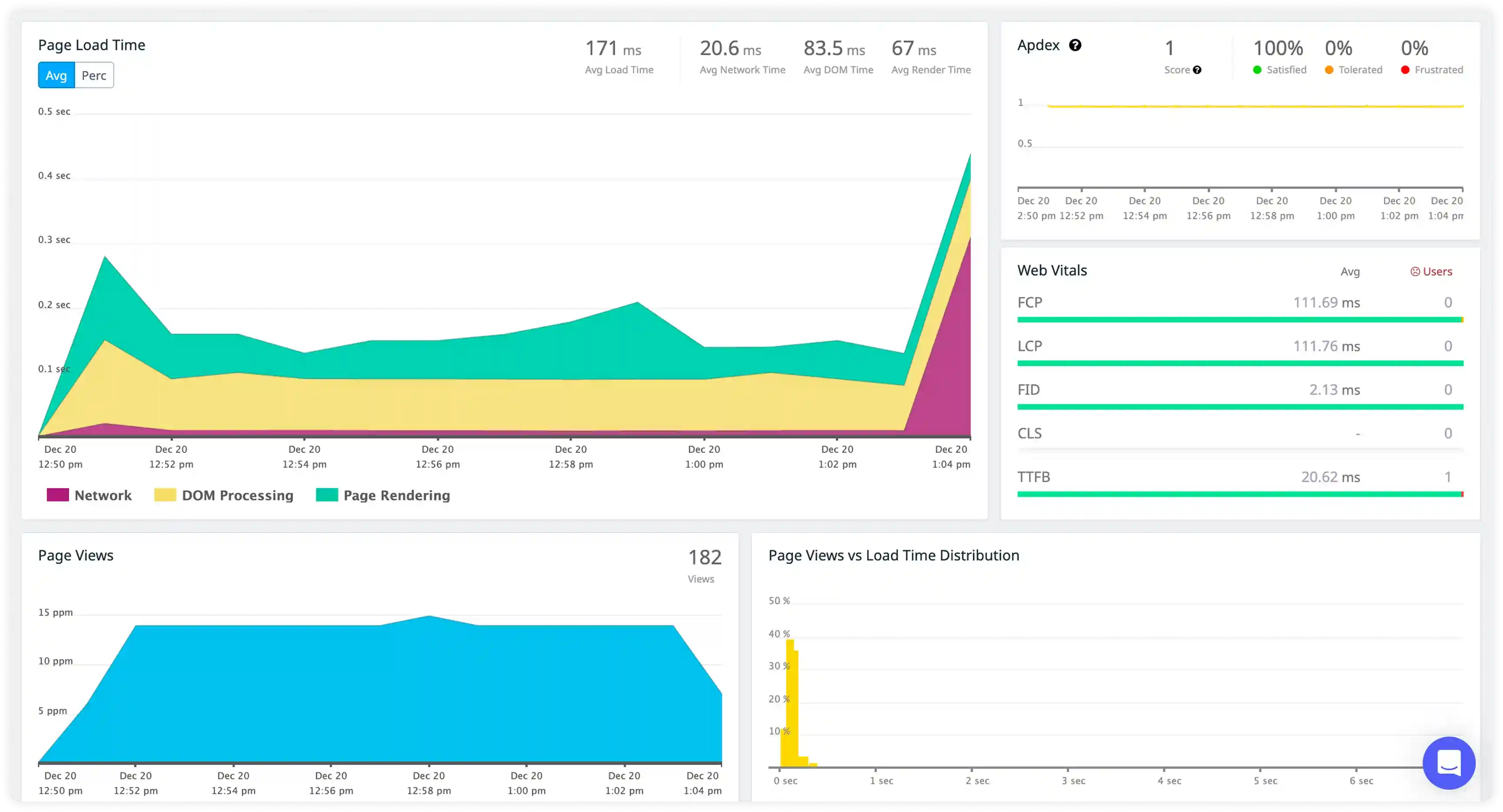
- Capture journaling events, checkpoint activity, and write-ahead logging behavior to observe transaction flow and commit patterns.
- Correlate concurrent access attempts, lock escalation, and write contention with workload characteristics.
- Identify repeated lock timeouts and stalled write operations affecting embedded database reliability.
- Detect risks to transaction integrity and data durability under concurrent execution.
Performance and Storage Signals
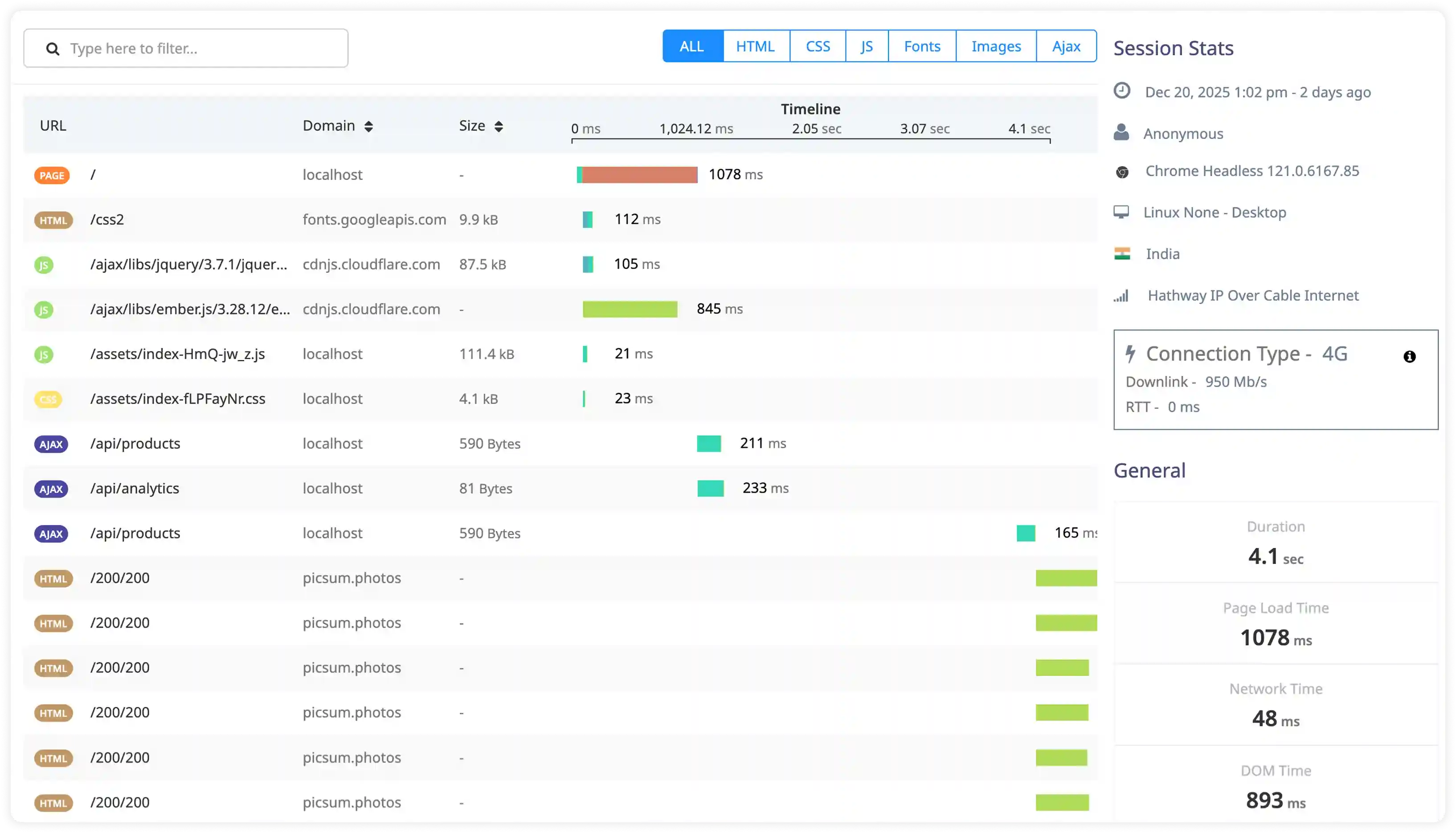
- Analyze execution timing logs, page cache behavior, and disk I/O signals influencing SQLite performance.
- Correlate query complexity, database size, and storage conditions with response latency patterns.
- Identify inefficient queries, fragmented storage, and resource limitations increasing processing time.
- Detect performance degradation caused by abnormal I/O behavior and query execution delays.
Security and Access Monitoring
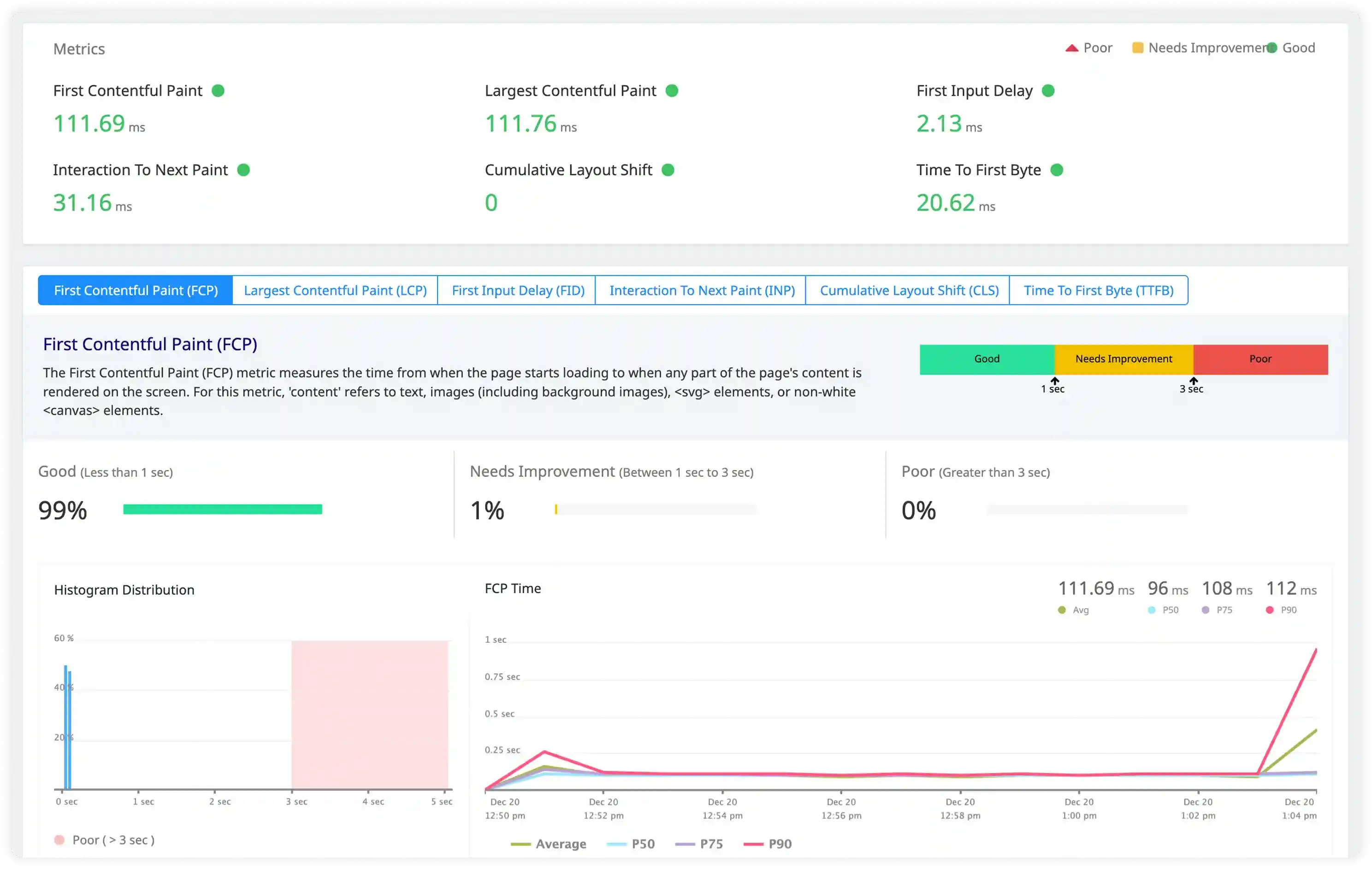
- Track database access attempts, file permission changes, and unusual application interactions captured in SQLite logs.
- Identify unauthorized access scenarios and misuse patterns impacting local data integrity.
- Correlate database access events with application lifecycle and system activity for investigation.
- Detect operational and security risks affecting SQLite deployments in production applications.
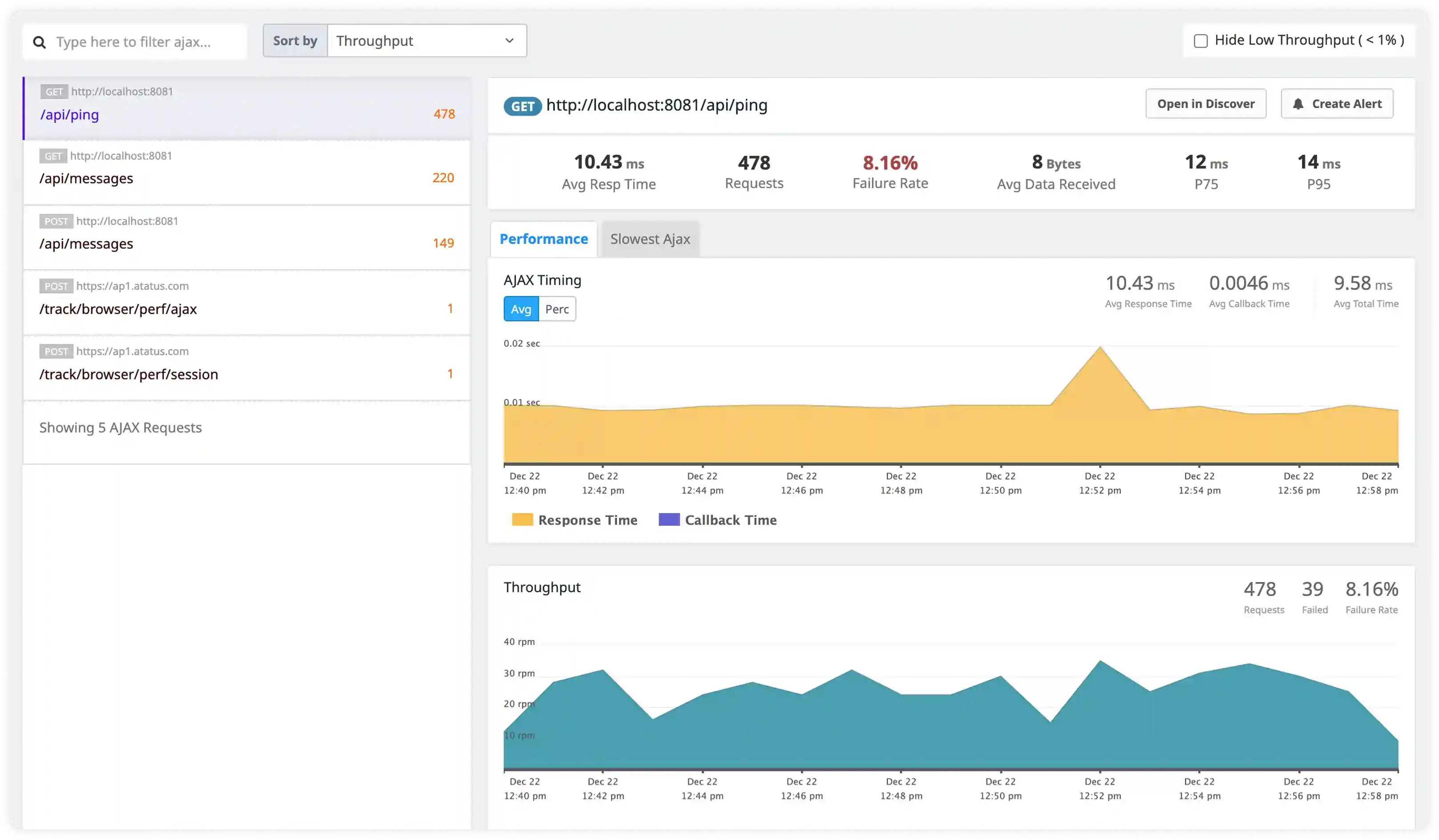
Why teams choose Atatus for SQLite logs monitoring
Query activity visibility
Atatus tracks SQLite query and file-level log events to reveal real database usage in embedded environments.
Request-level correlation
Atatus connects query execution with application processes, threads, and transaction scopes.
Concurrency behavior insights
Atatus captures journaling, WAL activity, and lock contention to monitor transaction flow.
Performance signal detection
Atatus analyzes execution timing, cache behavior, and disk IO patterns affecting SQLite speed.
Storage efficiency visibility
Atatus surfaces inefficient queries, fragmentation, and resource constraints early.
Security monitoring
Atatus identifies abnormal access patterns and file permission risks from SQLite logs.
Unified Observability for Every Engineering Team
Atatus adapts to how engineering teams work across development, operations, and reliability.
Developers
Trace requests, debug errors, and identify performance issues at the code level with clear context.
DevOps
Track deployments, monitor infrastructure impact, and understand how releases affect application stability.
Release Engineer
Measure service health, latency, and error rates to maintain reliability and reduce production risk.